
Exclusive Offer – 15% OFF + Free 24H Trial
Before learning how to use IPTV Smarters, enjoy this special promotion:
👉 24-hour free IPTV test
👉 15% OFF all IPTV subscription plans
👉 Premium 4K/HD channels & huge VOD library
Activate instantly on WhatsApp: https://wa.me/message/LX4XD3QBTLSCH1
What Is IPTV Smarters and Why Millions Use It in 2026?
IPTV Smarters is one of the most popular IPTV applications worldwide. It allows users to watch live TV channels, movies, series, and catch-up content through IPTV providers that offer M3U links or Xtream Codes.
The app is especially popular because it is:
- Easy to install
- Available on Smart TV, Android TV, iOS, FireStick & Windows
- Fast, stable, and user-friendly
- Compatible with multiple IPTV providers
- Perfect for beginners and advanced users
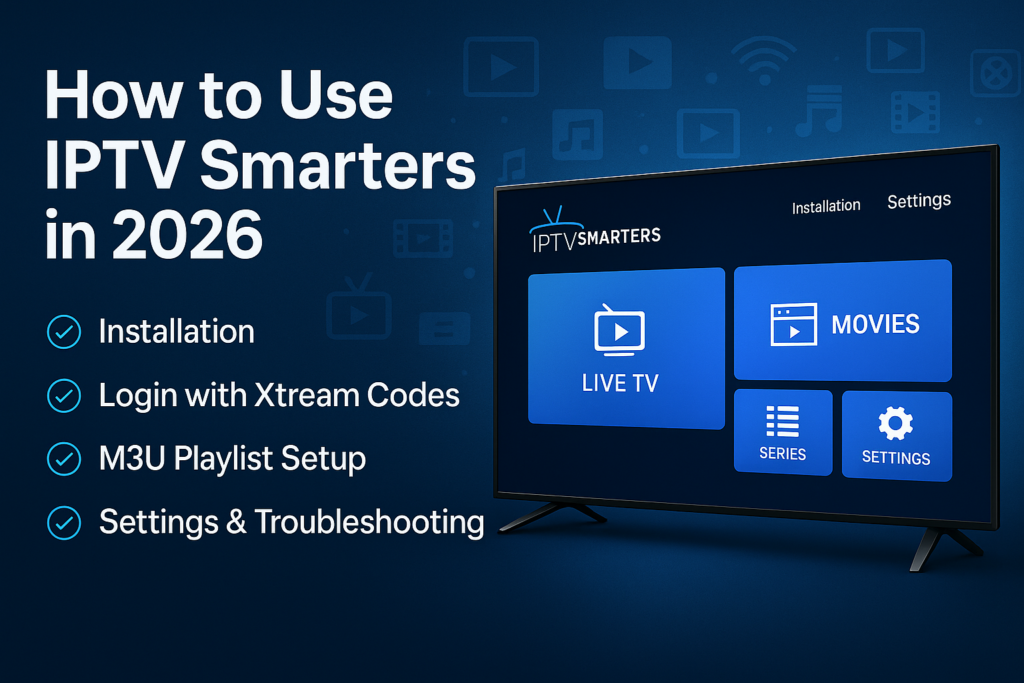
In this IPTV Smarter 2026 guide, you will learn step-by-step:
✔ How to install IPTV Smarter
✔ How to activate it with your IPTV subscription
✔ How to add M3U links or Xtream Codes
✔ How to use Live TV, VOD, Series, and Catch-Up
✔ How to set parental controls, EPG, and multi-screen
✔ Tips to get the best performance in 2026
How to Install IPTV Smarters on Any Device
1. Install IPTV Smarter on Smart TV (Samsung or LG)
- Open your Smart TV App Store
- Search for IPTV Smarters or Smarter Pro
- Download and install the app
- Open the app and accept the terms
- Choose “Load Your Playlist or File/URL” or “Login with Xtream Codes”
Simple, fast, and works on all new 2023–2026 Smart TVs.
2. Install IPTV Smarter on Android TV or Android Box
- Go to Google Play Store
- Search IPTV Smarters Pro
- Install the app
- Open it and enter your IPTV login details
Android is the fastest and most stable platform for IPTV.
3. Install IPTV Smarters on FireStick (Amazon)
- Go to Settings → My Fire TV → Developer Options
- Enable Apps from Unknown Sources
- Install the Downloader app
- In Downloader, enter the link:
https://www.iptvsmarters.com/smarters.apk - Download and install IPTV Smarters
FireStick is extremely popular in the USA & UK.
– 4. Install IPTV Smarter on iPhone or iPad
- Open the App Store
- Search for Smarters Player Lite
- Install the app
- Login using M3U or Xtream Codes
iOS version has fewer features but works correctly.
How to Set Up IPTV Smarters With Your IPTV Subscription
To use IPTV Smarters, you need:
✔ An IPTV subscription
✔ M3U playlist or Xtream Codes
✔ Strong internet connection (20 Mbps minimum)
Your IPTV provider (ex: IPTVFOT / IPTVX) will send:
- Username
- Password
- Server URL
OR - M3U link
Option 1: Login Using Xtream Codes
This is the recommended method for IPTV Smarters.
- Open IPTV Smarters
- Choose “Login with Xtream Codes API”
- Enter the following provided by your IPTV provider:
- Username
- Password
- Server URL
- Choose a profile name (example: IPTVFOT)
- Click Add User
The app will load:
✔ Live TV channels
✔ Movies
✔ Series
✔ EPG Guide
✔ Catch-Up (if available)
Option 2: Login Using M3U Playlist
- Choose “Load Your Playlist or File/URL”
- Paste your M3U link
- Name your playlist
- Click Add User
Works well but slower than Xtream Codes.
How to Use IPTV Smarters Step by Step
1. Live TV Section
- Choose the category (Sports, News, Kids, Entertainment…)
- Click on any channel
- Press the “Play” button
- You can switch between EPG view, classic view, and grid view
2. Movies (VOD Section)
- Huge library of films
- Search by title or category
- Watch in HD, FHD, or 4K
- Subtitles available in many providers
3. Series Section
- Episodes organized by season
- “Continue Watching” available
- Auto-play next episode
4. Multi-Screen Option
You can watch four channels at the same time if your device supports it.
IPTV Smarters Settings & Advanced Features Enable EPG (TV Guide)
- Go to Settings → EPG
- Update or upload EPG URL (if provided)
– Enable Parental Control
- Lock adult categories
- Set a PIN code
Change Player Settings
You can switch between:
✔ VLC Player
✔ ExoPlayer
✔ Built-in player
Useful for buffering problems.
External Downloader Support
You can download VOD content offline (on some devices).
Troubleshooting IPTV Smarters (2026 Solutions)
If IPTV Smarters is not working:
✔ Clear cache
✔ Change video player
✔ Check your internet speed
✔ Update the IPTV playlist
✔ Try reducing resolution (4K → Full HD)
✔ Restart the modem and device
Most issues are solved with these steps.
– Why IPTV Smarters Is the Best App in 2026
- Extremely fast
- Works on every device
- Supports Xtream Codes
- Powerful interface
- User-friendly
- Supports 4K / FHD
- Wide compatibility with IPTV providers
No other IPTV player is as complete as IPTV Smarters.
– Conclusion: IPTV Smarters Is the Easiest Way to Access IPTV in 2026
Whether you are a beginner or advanced user, IPTV Smarters is the simplest, fastest, and most efficient IPTV app in 2026. It works with all IPTV providers and offers one of the best user experiences for watching live TV, movies, and series.
To start using IPTV Smarters with a stable, premium IPTV service:
👉 15% OFF + 24H Free Trial
WhatsApp: https://wa.me/message/LX4XD3QBTLSCH1
Website: IPTVFOT.com
Email: CONTACT@iptvfot.com
LINK:
-Best IPTV 2026 IPTV FOT –15% OFF Premium IPTV Subscription
-Best IPTVX provider Subscription Plans Fast, Stable & 4K IPTV Service
iptv germany:
-IPTV kaufen Wie kauft man IPTV in 2026? Komplettanleitung für Deutschland | sicher & schnell
–IPTV Anbieter 2026 – Bester Premium IPTV Service für Deutschland | 4K, 30.000+ Sender, 24H Test